


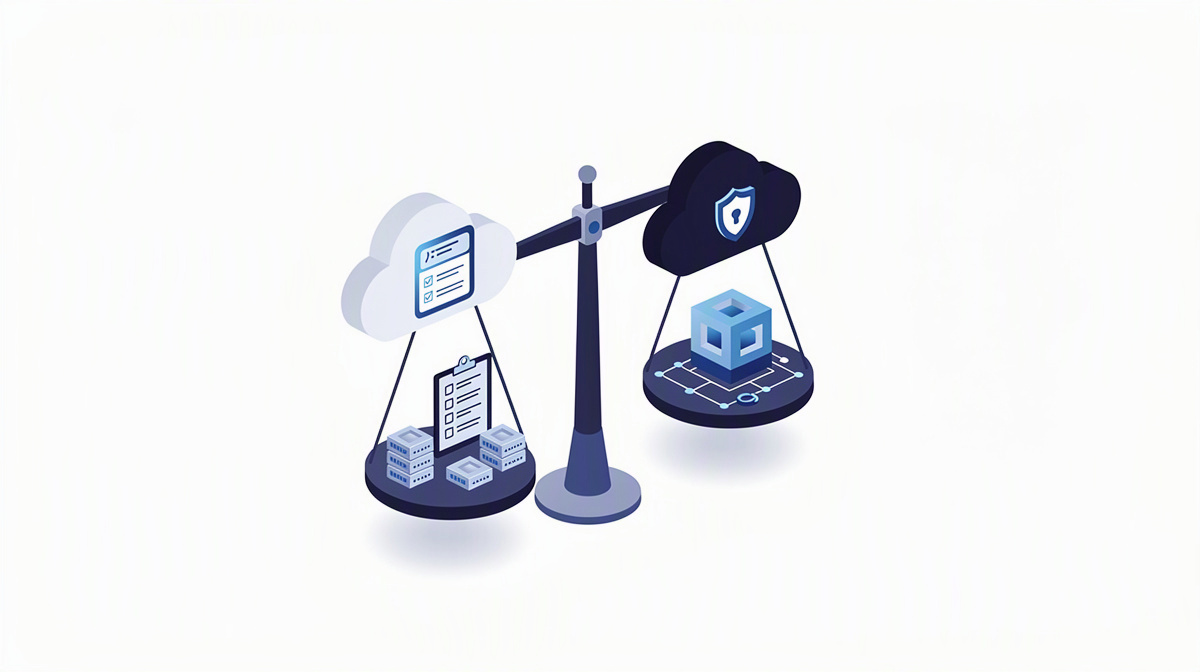
If you are searching for “cloud open source”, you usually do not want a debate in principle, but sound guidance for making a decision. For managing directors and IT leaders, the issue is usually whether to replace in-house servers or run a new application in the cloud; the article when it is worth it offers an initial point of reference as well.
At its core, the question is this: which option is a better fit for your requirements, your operations, your security concept, an existing Microsoft environment and future development? That is exactly what this article looks at.
We explain technical terms in plain language, with a practical focus and without developer-level detail. If you would like to place your project after reading, our services, the cost calculator, the project check, information on hosting and operations, project insights and a no-obligation initial consultation can help.
What “open source cloud” and Azure are really about
When many people search for “open source cloud”, they do not mean one specific solution, but a cloud environment built on freely available software. That often gives you more room to choose components, but usually also means greater responsibility for setup, operations and ongoing maintenance.
Azure is Microsoft’s cloud. In other words, it is a platform on which applications, databases, interfaces and other building blocks are available as cloud services.
So for making a decision, the abstract question of “open or not” matters less. In practice, these points are usually more important:
- Who carries which responsibilities?
- Which risks should be handled internally?
- What staff and specialist resources are available?
Infrastructure is also often confused with application operations. It is not just about servers. Identities for sign-in and permissions, secrets such as keys and credentials, updates, monitoring and the handling of disruptions or outages are just as important.
Important for decision-makers: depending on the framework conditions, the same line-of-business application can make sense in either world.
Anyone who simply wants to replace a virtual server is asking different questions from someone who wants to develop, secure and enhance a new web application or portal over the long term. This is exactly the point at which a technical preference becomes an operational decision.
When open source in the cloud is the better fit

Open-source-based cloud environments are often attractive when your company brings a great deal of in-house technical expertise and wants to make platform decisions deliberately under its own control. This applies above all to organisations that do not just run an application, but also want to shape the underlying architecture actively.
One advantage is greater freedom in components and operating models. If certain tools, runtimes or architectures are to be chosen independently on purpose, an open environment can be a good fit. Standards and portability often play an important role here in particular. Put simply, portability means that a solution can be moved to another environment with less effort.
However, one point matters: openness does not automatically mean less work. Responsibility for selection, interaction between components, maintenance and operations sits more strongly with your organisation or with the service provider taking on those tasks.
Vendor lock-in should also be viewed realistically. This means dependence on a provider. An open architecture can reduce that dependence in certain areas, but it does not eliminate it entirely.
Open solutions also need clear responsibilities, for example for:
- security updates
- backups
- monitoring, meaning ongoing oversight
- emergencies and recovery
This route is often especially suitable when there is already Linux and open-source experience in-house. For public-sector clients and agencies, transparency, traceability and direct control can also be important selection criteria. So the real question is usually not just “open or not”, but rather: who operates what, with what know-how and towards what target picture?
When Azure is more likely to be the right choice
Azure is often the obvious option when your company already uses Microsoft technologies, for example Microsoft 365 or Entra ID for sign-in and user management. Entra ID is Microsoft’s service for identities and access, in other words for sign-in, user accounts and permissions.
In these environments, Azure shortens the path to a coherent operating model for many companies. That is especially true when applications, databases, interfaces and access are meant to work together in one shared environment. Instead of first having to align many separate solutions, existing structures can often be integrated more directly.
Typical building blocks are easy to place here:
- Container Apps for running modern applications
- Front Door for distributing access and protecting entry points
- Key Vault for securely storing keys and secrets
In practice, the advantage often lies not only in individual functions, but in the integration. When central services already fit together, decisions often become clearer. Fewer separate tools need to be selected, connected and maintained in the long term.
Azure can also make sense for projects involving AI. In the Microsoft cloud, Azure OpenAI can be used, for example, to build functions for searching company knowledge, assistants or document extraction.
Important for decision-makers: a good Azure architecture does not automatically mean greater complexity. In fact, using standard services can simplify ongoing operations, because responsibilities, security components and operating paths are more clearly defined.
At the same time, the closer tie-in to the Microsoft ecosystem remains a point you should weigh up consciously. For some companies, that is exactly the advantage; for others, it is more of a strategic limitation.
The real decision criteria for managing directors and IT leaders

You should start not with the platform, but with the business objective. Is the main aim simply to replace an old server? Or are you planning an application that will need to be extended, secured and adapted to new processes over many years? That distinction affects almost every other decision.
Operational responsibility is just as central. Clarify early on who will permanently take care of these tasks:
- updates and ongoing maintenance
- operational monitoring
- recovery in the event of faults
- improvement and further development
Security and data protection issues also belong on the table early, but without jumping to legal conclusions. Requirements for access, data location, logging and permissions should be described properly and, where needed, reviewed with data protection officers or legal advisers.
It is also important to look at the existing system landscape. Email, Office, identities, specialist systems, databases and third-party systems often all influence which cloud environment will cause less friction in day-to-day use.
Another factor is your internal capabilities. An open platform can be a good fit if experienced people can actively steer architecture and operations. If that capacity is lacking, simplicity in operations is often more important than maximum freedom in choosing individual building blocks.
Future viability means more than technology alone. What matters is whether later extensions, mobile use, interfaces and new analyses are well supported. CI/CD means an automated way of checking and deploying software changes in a controlled manner, making changes easier to trace. And the quality principle behind Clean Code Development remains the same regardless of the cloud: sustainably built software is easier to maintain and evolve sensibly.
How to move from a broad question to a sound decision
The next sensible step is usually not a long technical discussion, but a short, clear structure for your requirements. The following points are especially helpful:
- Who uses the application?
- Which core processes should it represent?
- Which interfaces are needed?
- What kinds of data are affected?
- What availability is expected?
- Who is responsible internally for what?
For an initial assessment, an early outline is often enough. A full specification is not always necessary at this stage.
A comparison by variant is practical: what does open source actually mean in your case, and what would the same application look like in Azure? That turns a general preference into a sound basis for decision-making.
It is important to look at the entire life cycle: not only implementation, but also operations, support and further development.
If the right solution or realistic project format is still unclear, a brief project profile with follow-up questions and a cost range can be created from a description or a specification. Alternatively, for a quick rough assessment, a cost calculator with six questions can help.
Common questions you may be asking yourself
Is open source in the cloud automatically cheaper than Azure?
No. Freely available software does not automatically mean lower total costs. What matters is who takes care of selection, setup, updates, monitoring, backups and incident resolution. Especially when many building blocks have to be combined and operated independently, the ongoing effort can increase.
For a sound assessment, you should therefore look not only at individual services, but at the entire life cycle of the solution.
Can I still stay open to later changes if I choose Azure?
Yes, if the application and its interfaces are planned properly. Openness does not come only from the platform, but also from the architecture, the data model and clear responsibilities. If business logic, data access and integrations are separated in a transparent way, future adjustments are easier to keep open.
So the question is less “Azure or open”, and more: at which points are you consciously making yourself dependent?
Is Azure also suitable if I only want to replace a single line-of-business application?
Yes, it can be. Even for a single line-of-business application, sign-in, permissions, databases, interfaces, monitoring and the secure storage of credentials all matter. If these points are to be integrated properly into an existing Microsoft environment, Azure can simplify operations.
What matters is not the number of applications, but how well your line-of-business application fits into day-to-day work.
When should I modernise the application first rather than just move the server?
When the real problems do not come from the server, but from the application itself. Typical signs are:
- cumbersome usability
- no mobile use
- interfaces that are hard to extend
- high maintenance effort
- security or permissions concepts that are no longer a good fit
In such cases, a straightforward move often just shifts old limitations into a new environment.
What information should I gather internally before comparing providers or operating models?
These points are especially helpful:
- the business objective of the solution
- user groups and roles
- existing systems and interfaces
- data types and access requirements
- desired availability
- internal responsibilities for operations and decisions
- expected further development over the next few years
The clearer this basis is, the more objectively you can assess the choice between open source in the cloud and Azure.
Conclusion: it is not ideology that decides, but your operating model
If you are searching for “cloud open source”, the practical answer is usually this:
- Open source in the cloud is more likely to fit if control, personal responsibility and existing know-how are central.
- Azure is more likely to fit if Microsoft services, integrated building blocks and an end-to-end operating model are important.
Both routes can be viable. What matters is that architecture, responsibilities and further development are planned properly from the outset.
ballmüller solutions supports companies with the planning, development, quality assurance, go-live, support and further development of bespoke software in the Microsoft cloud.
If you would like a no-obligation initial assessment of your project, you can request a 30-minute introductory meeting via Microsoft Teams. If your main focus is ongoing operations, the hosting and operations section is also relevant.