


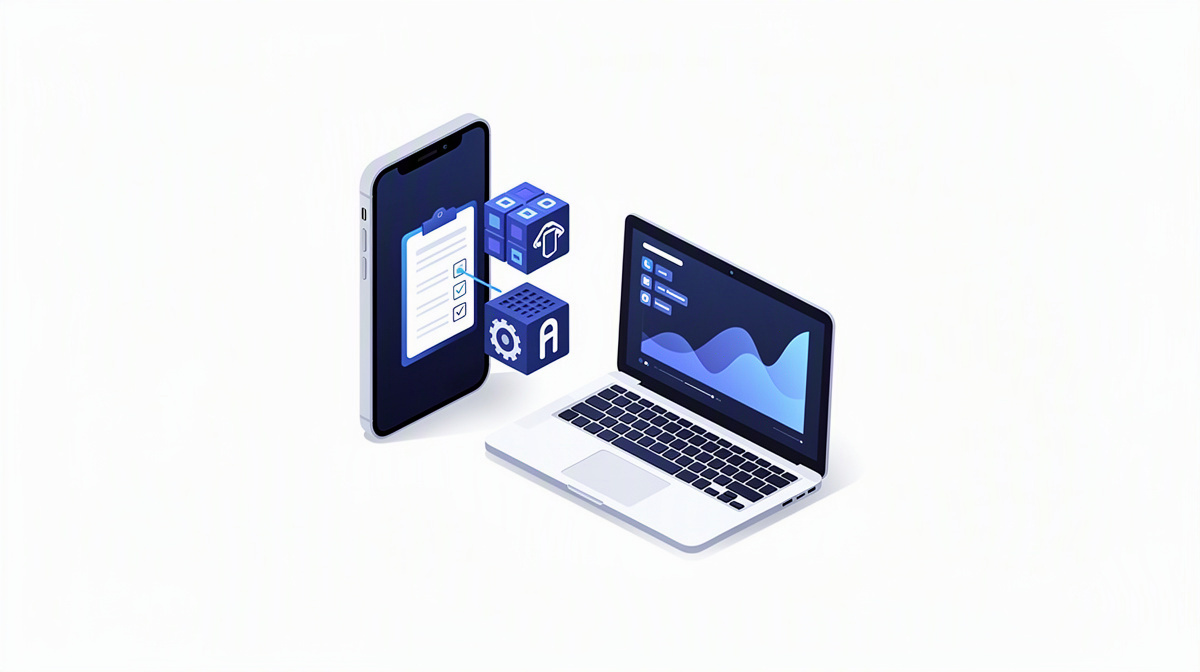
A native app is an application developed specifically for an operating system such as iOS, Android or Windows. This article explains when a native app makes more sense for businesses than other approaches, and what that means for features, operation and project scope.
The focus is not on programming details, but on benefits, limitations, organisational implications and typical decision-making criteria. If you are planning an application for employees or customers on smartphones and computers, this article offers practical guidance on choosing the right type of app.
If you would like to assess your project further afterwards, you will find an overview of services relating to apps, web, databases and operations, a rough cost range for a software project, a structured project outline based on your description or an initial no-obligation consultation.
What defines a native app
A native app is developed specifically for a particular operating system and is designed around its own features and usage patterns. By operating system, we mean the core software of a device, for example iOS on the iPhone, Android on many smartphones, or Windows on a computer.
It is usually used as an installed application directly on the device rather than primarily in the browser. That sets it apart from a web application, which runs in the browser. There are also cross-platform apps, where several systems share large parts of the same foundation.
For decision-makers, one point matters above all: this choice is not a matter of style. Among other things, it affects
- how familiar the user experience feels,
- how well device features can be integrated,
- how much effort maintenance and further development will require,
- and how easily the solution can be expanded later on.
That is why not every mobile application is automatically a native app, even if it may feel similar to users at first glance. Especially in projects that also need to exchange data, work offline or connect several interfaces, the classification often depends on the overall system. For more on this, related articles include synchronising data, cloud databases and running servers in the cloud.
If you would like to explore which combination of app, web application, database and operations suits your project, you can find an overview in the services section as well as insights into completed projects.
When a native app plays to its strengths
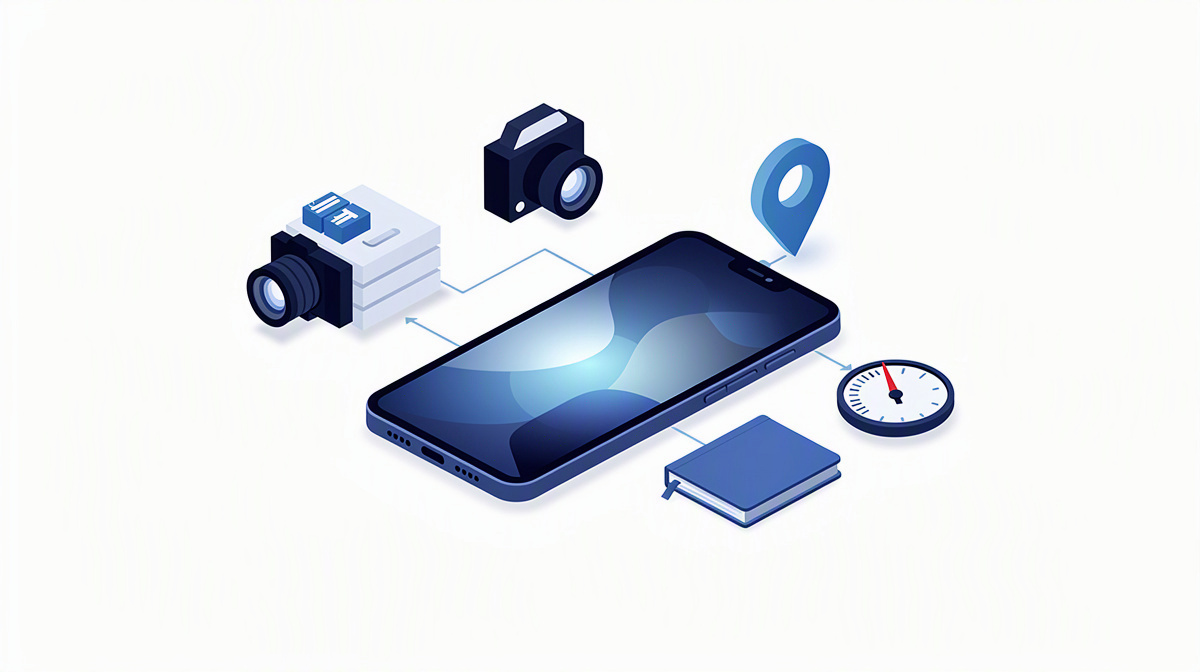
A native app often makes sense when the application needs to work closely with the capabilities of the device. This includes, for example, the camera, push notifications, biometric login using fingerprint or facial recognition, and local data storage directly on the device.
Its advantages often become clear in situations where an application needs to respond quickly and directly. Because it is tailored to the relevant operating system, it can make targeted use of device features and align more closely with the system’s familiar interaction patterns.
This is particularly relevant in the following cases:
- when processes need to be supported on the move or directly on site,
- when employees work with changing network connections,
- when users work regularly with the same application,
- when notifications should actively draw attention to tasks, approvals or events.
This can make a real difference, especially in day-to-day employee use. For example, anyone who needs to capture information on site, take photos, store data temporarily or continue working with an unstable connection often benefits from a solution that works more closely with the device.
A native app can also be suitable for customer-facing applications. This applies in particular when convenience features, regular use and close integration with the smartphone play an important role. That also includes an interface that feels familiar to users because it follows the patterns of the relevant system.
Another typical use case is push notifications, meaning messages that appear actively on the device and alert users to new processes.
If data needs to be available temporarily without a stable connection, a native app is often an obvious choice. In that case, however, it also becomes important to plan how devices and other systems will be synchronised later on.
The key point is always this: these strengths are only an advantage if they are genuinely needed for the specific business process.
When other approaches are often a better fit
Not every project needs a native app. In many cases, a web application is sufficient or even more practical, especially when users should be able to get started easily via a link without installing anything.
For applications that are used in a similar way on smartphones and computers, a browser-based approach is often simpler from an organisational point of view. The browser is the program used to open websites and web-based applications.
This applies in particular when the main focus is on tasks such as:
- completing forms,
- processing approvals,
- viewing reports,
- using portals,
- providing internal work interfaces.
In such cases, the business process is often more important than deep integration with individual device features. When many different end devices are in use, shared browser access can also make rollout easier, because the same type of deployment does not have to be organised separately for every platform.
Even for applications that are only used occasionally, a native app is not automatically the obvious choice. If no special device features are required, easy-to-access web access can often be a better match for actual usage patterns in day-to-day work.
There is another point to consider: in projects with a strong data focus, the architecture behind the scenes is often more important than whether the front end is a native app or a web interface. What can matter more is how information is stored, exchanged and kept up to date.
That includes the database. A database is a structured store for business information that applications can access in an organised way. Especially in portals, admin interfaces or solutions involving several connected systems, the real effort often lies not just in the interface, but in how the data works together behind the scenes.
The real decision: usage, systems, operations
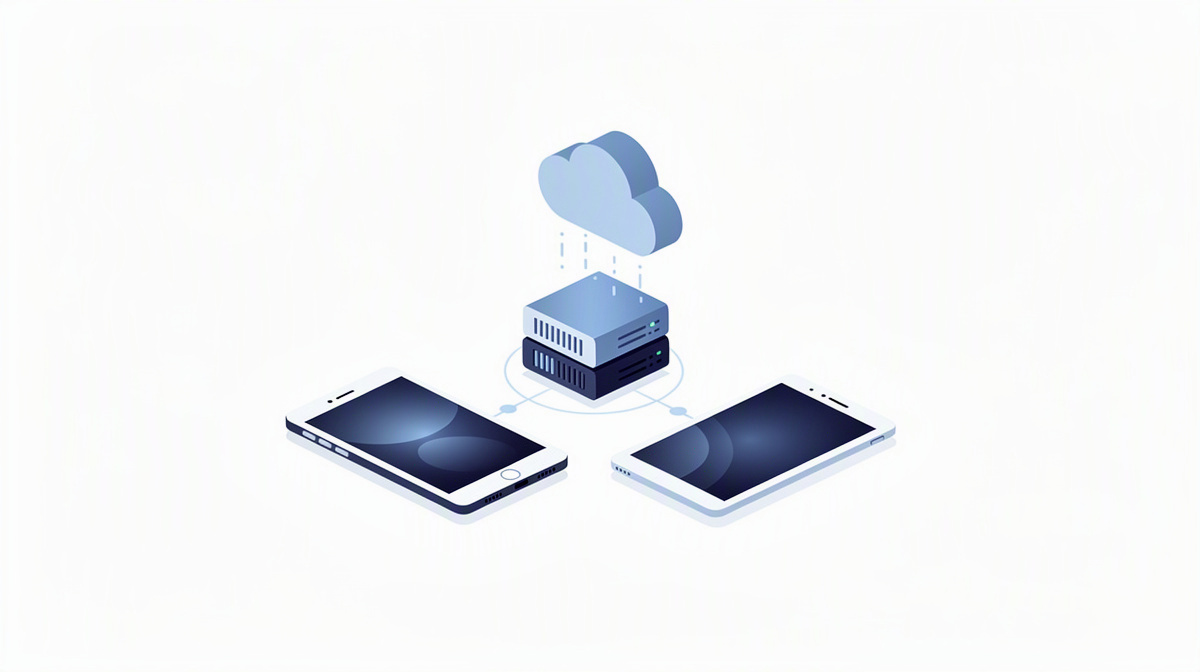
The decision for or against a native app can be structured well around three perspectives: who will use the application, which devices it needs to run on, and how it will be operated.
When looking at users, it is worth clearly distinguishing between employees, external partners and customers. These groups often differ significantly in how an application is distributed, how login is organised and what support is needed in day-to-day use.
The actual device landscape is equally important. Is it only about smartphones? Should tablets also be used? Or does the application also need to work properly on a computer? This question often influences the choice more strongly than the term native app itself.
As soon as smartphones and computers need to work together, the native app is usually only one part of the solution. Other building blocks are often added, such as web interfaces for administration or reporting, central data storage and interfaces to existing systems. An interface is a connection through which different systems exchange data in an organised way.
The third perspective concerns operations. What matters is where applications and data run, how they are accessed and how several parts of the system work together. The cloud often plays a role here. In this context, cloud means using IT resources via data centres rather than solely on a local server on your own premises.
This makes one thing clear: the question of the native app is never just a question of the interface on the device. It is always tied to the overall system.
How businesses can choose the right solution more confidently
To make a sound decision, businesses should first gather the requirements and only then talk about the technology. This mainly includes
- the most important usage scenarios,
- required device features,
- involved systems,
- user roles,
- and security requirements.
So security needs to be high on the list from the outset. Questions around data protection, contracts or regulatory obligations should, however, be reviewed with legal advisers or data protection officers.
It also makes sense to define the scope of the project early on: which parts really need to run as an app on the device, and what is better suited to a web portal, an admin interface or a background service?
It is also important to look beyond the initial launch. Support, further development and the maintenance of multiple platforms should all be considered from the start.
Project experience shows that when applications are connected to existing line-of-business systems or planning tools, the architecture behind the scenes often determines the practical value. ballmüller solutions delivers bespoke software for this using .NET, SQL databases, Azure, Microsoft 365 and Entra ID, and supports projects from concept and design through development and quality assurance to support and further development.
Frequently asked questions about native apps
Do I need a separate native app for iPhone, Android and computer?
Not necessarily in every case, but each operating system often requires its own native implementation. The reason is simple: iOS, Android and Windows each have their own features, interaction patterns and technical requirements.
For planning, this means:
- A native app for the iPhone is not automatically also a native app for Android.
- An application on a computer usually involves different usage scenarios again.
- As a result, the solution often consists of several building blocks rather than just one app.
Especially when smartphones and computers are to be used together, a web interface for administration, reporting or master data maintenance is often more suitable than an additional native desktop app.
Is a native app automatically faster or easier to use than a web application?
No. A native app can have advantages when it comes to responsiveness, device integration and interaction that is closely aligned with the system. But that does not make it automatically better.
What matters is what the application is supposed to do. If the main tasks are displaying content, processing forms or granting approvals, a well-planned web application can be just as suitable in day-to-day use. A native app is mainly worthwhile when its particular strengths are genuinely used in the process.
Can a native app also work without an internet connection?
Yes, at least partly in many cases. That is one of the typical reasons for using a native app.
What matters, however, is the distinction:
- Some functions can continue running locally on the device.
- Others require a connection to central data or third-party systems.
- Later, it must be clarified how changes will be synchronised again.
Offline use is therefore not a yes-or-no question, but part of the business concept.
When is a web application enough for employees or customers instead of a native app?
A web application is often sufficient when access should be simple and require no installation, and when no deep integration with device features is needed.
This is often a good fit for internal interfaces, portals, forms, approvals or reports. The browser is also often the more practical route for applications used in a similar way on smartphones and computers. For customers, this is especially true when the application is used only occasionally and does not need to be closely tailored to the specific device.
Conclusion: only choose a native app when it is necessary for the business case
A native app makes sense above all when these points are specifically important in the business process:
- device features,
- use that is particularly tailored to the end device,
- or offline scenarios.
If these requirements are not the main priority, web applications or combined solutions are often a better fit. The decision should therefore not start from the term native app, but from the specific use case, the systems involved and future operations.
ballmüller solutions supports businesses and agencies with this assessment and can take on part or all of the development work if required. To get started, there is an initial no-obligation consultation via Microsoft Teams. If you would first like to estimate a rough cost range, you can use the cost calculator.