


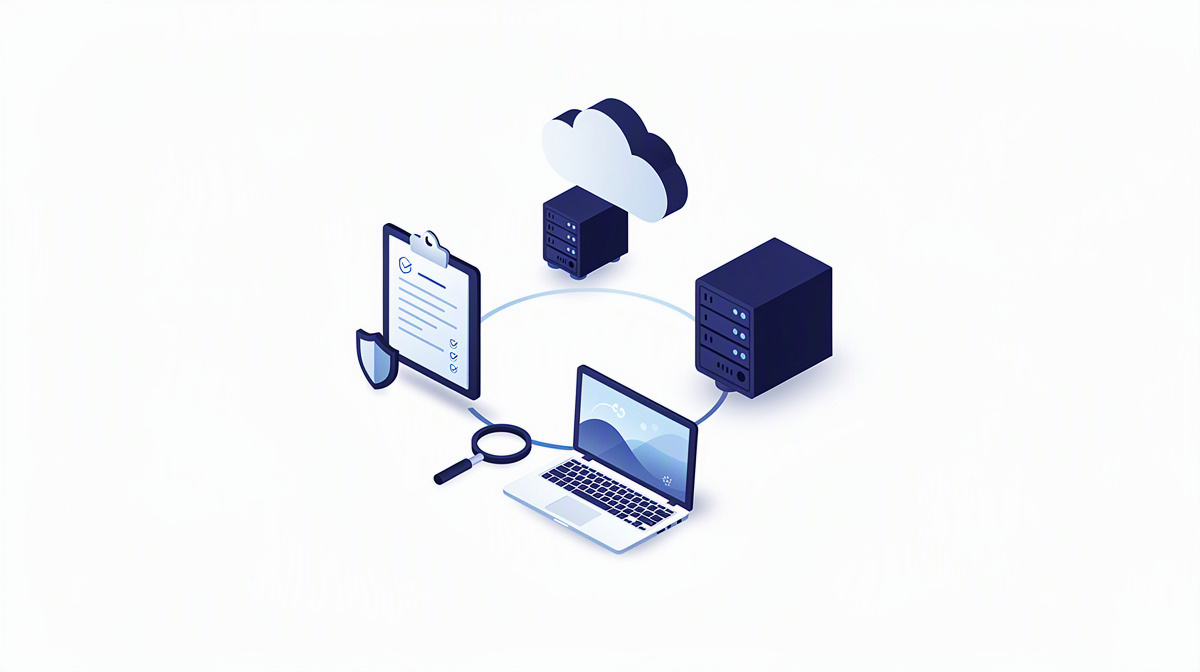
3-2-1 backup is a well-known basic rule for data backup. It describes how businesses distribute data across several copies and storage locations. If you are replacing your own servers or using applications through Hosting and Operations, you should not see backup as a one-off measure, but as part of ongoing operations.
This article explains the strategy in clear terms, puts typical business use cases into context, shows the limits of the concept and outlines practical questions to ask when making decisions. Backup means creating a recoverable copy of data. Recovery means making data or systems available again after an incident.
What 3-2-1 backup means in practice
In simple terms, 3-2-1 backup means this: there are three copies of your data, these are stored on two different storage media or storage types, and one copy is kept in a separate location.
The original live data counts as the starting point. On top of that, there are two further backups. These additional copies are intended to help if data is lost or becomes unusable because of defects, accidental deletion, incorrect changes or malware.
The separate location matters because it helps ensure that a single event cannot affect all copies at once. Separate can mean physical separation, such as a different site. But it can also mean logical separation, if backups are deliberately kept in a different environment or in storage managed separately.
The rule is so widely used because it is easy to remember and helps structure decisions. Instead of only thinking about backup as an afterthought, businesses use it to look systematically at which risks they want to cover.
Another important distinction is this: 3-2-1 backup is not a piece of software and not a product name, but a principle. It can be implemented in different ways depending on the application, the operating setup and the planned services.
And it does not refer only to files. The rule is just as useful for databases, application states and business-critical documents.
Why the strategy matters for businesses
In businesses, data loss is rarely caused by just one classic defect. Common triggers include hardware failure, accidental deletion, incorrect changes, cyber attacks or an outage at a site. That is exactly why 3-2-1 backup is not a side issue, but a fixed part of operations.
This is especially important if you are replacing your own servers and running applications in a cloud environment. Moving to the cloud does not automatically remove every risk. Data can still be changed incorrectly, deleted or rendered unusable by dependent processes. So if you are redesigning operations, you should think not only about day-to-day use, but also about recovery in the event of disruption. A related look at SaaS service for businesses also helps to clarify responsibilities.
It is just as important to distinguish between availability and backup. An available system keeps running. A backup becomes relevant when an earlier version of the data or an affected part of the system needs to be restored.
For specialist departments, this often involves more than documents:
- application data
- configurations
- knowledge of interfaces and processes
For managing directors, this is a question of business continuity, the ability to work and traceability after an incident. For IT managers, the strategy creates a framework for assessing applications, databases and operational processes with clear priorities. For public sector clients and agencies, these requirements often increase further because more parties are involved and projects run for longer.
How 3-2-1 backup is approached in practice in the cloud
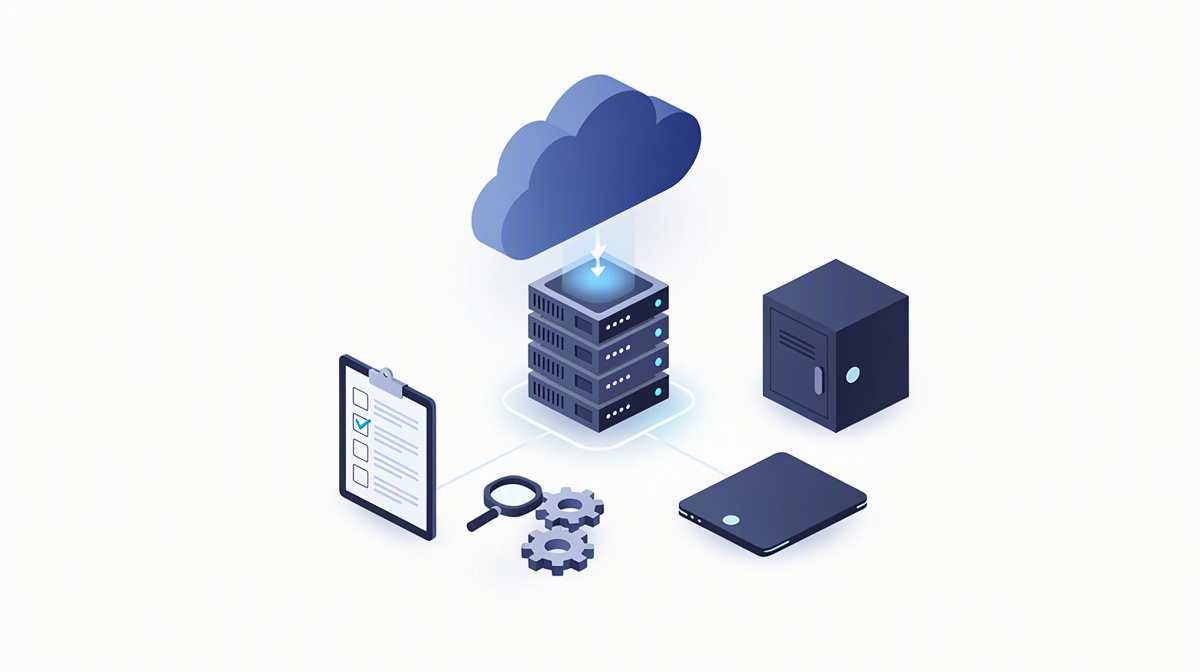
Cloud operations and backup are not opposites. The cloud also needs a well-thought-out backup concept, because data loss, incorrect changes or disrupted processes are not automatically ruled out there either. Microsoft Azure is Microsoft’s cloud platform on which applications, databases and operational services can run.
In practice, businesses should first define what actually needs to be backed up. Depending on the application, this may include for example:
- application data
- databases
- uploaded files
- logs
- configurations
- identity or integration data
In the cloud, the requirement for “two different storage types” can mean deliberately separating live data storage from backup storage. The key point is that not everything sits within the same technical or organisational context.
With modern applications, it is also often not enough to look only at data sets. Interfaces and automations should be considered as well, so that after a recovery it is not only the content that is there again, but important processes actually work too. To understand the relationship between responsibilities, platform and operations, it makes sense to look at hosting, operations and responsibility.
Regularly testing recovery is just as important. A backup is only reliable once the restore process has been proven in practice.
This is also clear in applications such as a web platform for managing sewer networks or a CRM system: it is not just the interface that is critical, but above all the dependable protection of the underlying data.
What to look out for with applications, databases and identities
With custom software, backup and recovery should be part of the planning from the outset. If these questions are only addressed shortly before go-live, gaps in data, processes or responsibilities can easily remain. Especially with bespoke developments, it is worth defining early on which content needs to be backed up and how a restore should work in practice.
SQL databases store structured business data and are therefore often among the most critical components of an application. They may contain transactions, master data, logs or domain-specific relationships, for example. Files outside the database are just as important, such as uploads, attachments or exported documents. These data sets are easily overlooked in projects and should therefore be considered separately.
Then there are identities. User accounts, roles and access rights are central to operations, even if they are not always part of a traditional database backup. Entra ID is Microsoft’s identity service for sign-in and access control. If your own applications use central sign-in, it also makes sense to look at the importance of single sign-on.
Dependencies on Microsoft 365, third-party systems or connected specialist systems should also be documented. After an incident, it is not enough simply to restore data. Overall usability has to be re-established.
How to embed the strategy properly in organisational terms
A 3-2-1 strategy only becomes robust when responsibilities are clearly defined. That includes specifying:
- who checks backups
- who is allowed to initiate a recovery
- who sets priorities in the event of disruption
The perspective of business departments is just as important. They should describe which data states are particularly critical and how much a loss would impair day-to-day operations. That avoids a purely technical view and creates a basis for decision-making in a real incident.
Documentation is not a side issue here. If processes are not described clearly, having a backup does not automatically create a reliable process. This affects responsibilities, sequences and the question of which systems or dependencies must be usable again first after a restore.
Tests and automated processes in the development environment are also helpful. CI/CD means automated steps for building, testing and delivering software. Procedures like these make changes more traceable and support orderly operations.
Another important distinction is this: backup is for recovery, archiving is for long-term retention. You should check requirements for retention, data protection or evidence obligations with legal advisers or data protection officers, rather than deriving them from the backup rule alone.
Common questions to clarify before making a decision
Is a backup from the cloud provider enough, or do you also need your own 3-2-1 backup?
A backup from the cloud provider can be one building block, but it does not automatically replace your own strategy. What matters is whether it covers exactly the data states, retention periods and recovery steps your operations need. So when making decisions, you should look not only at the platform features already in place, but at your specific use case. If you would like to make an initial rough assessment of a project, the cost calculator can help.
Which data should you specifically include in the backup strategy for a specialist application or portal?
Do not focus only on the database itself. In many applications, other data sets belong here too, for example:
- uploaded files and attachments
- configurations and logs
- roles and access rights
- interface knowledge and technical dependencies
- where relevant, content from AI functions or document analysis
Especially with new assistants or search functions, it is also worth looking at planning AI assistants sensibly and at building AI governance in the company.
How often should you test recovery so that the backup is robust in an emergency?
There is no sensible standard number for all businesses. What matters is that you test recoveries regularly and in a traceable way, especially after changes to the application, data model, interfaces or operations. The decisive factors are how critical the application is and how severely data loss would affect you.
What is the difference between backup, high availability and archiving?
Backup is used to restore an earlier state. High availability is intended to cushion outages during live operation. Archiving preserves information for the long term. These three tasks do not fully overlap and should be decided separately.
What is the best approach if you want to replace an existing application and transfer the data into a new cloud solution?
A structured process makes sense: identify data sources, prioritise relevant data sets, define migration and fallback paths, and think through recovery for both the old and the new system. If you already have a description or a specification document, the project check can help. You can find an initial impression from similar work in reference projects and client testimonials. For questions, a no-obligation initial consultation is also suitable.
Conclusion: 3-2-1 backup is a principle, not a box to tick
The 3-2-1 rule gives businesses an understandable structure for data backup. However, it does not replace concrete planning for your application, your data and your operations. What matters is not only that backups exist, but that it is clear what should be restored and how in an emergency.
Especially when replacing servers, migrating to the cloud and developing new custom software, you should clarify at an early stage:
- which data is being backed up
- how recovery should work
- who is responsible from a business and technical perspective
ballmüller solutions develops and operates bespoke web applications, apps, databases and interfaces in Berlin based on .NET and Microsoft Azure, with planning and development carried out 100 per cent in Germany.
If you would like to make an initial rough assessment of a project, you can use the cost calculator or have a project profile created from a description or a specification document. ballmüller solutions is also available for a no-obligation 30-minute initial consultation via Microsoft Teams with Managing Director Görkem Ballmüller.