


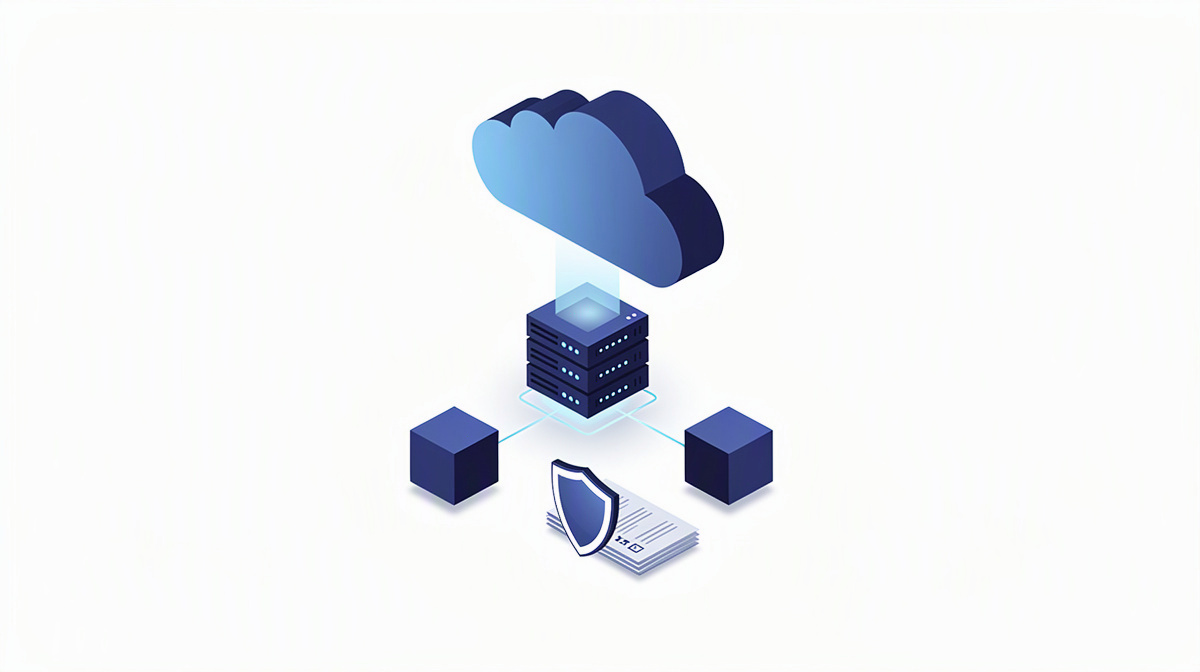
Cloud computing infrastructure describes the technical foundation on which applications, data and access can now be run – no longer only in your own server room, but as services you can use. This is exactly the question that often comes up when your own servers reach their limits or a new application is meant to run in the cloud from the outset, for example with regard to hosting and operations or a server in the cloud.
This article is aimed at managing directors and IT managers. Technical terms are explained briefly and clearly in each case. You will find out what cloud infrastructure consists of, when it can make sense and which questions matter before making a decision.
What is meant by cloud infrastructure
Cloud infrastructure means the technical foundation on which digital applications run. Computing power, storage, networking and security functions are not located in your own server room, but are provided as a service.
It is important to distinguish this from a single server. A reliable application usually needs more than just one machine. What matters is how several building blocks work together so that access functions properly, data remains available and operations can be managed.
Typical components include, for example:
- the application itself
- databases for structured information
- interfaces to other systems
- identities and access permissions
- data storage for files and content
- security and monitoring for ongoing operations
An interface connects systems so that data can be exchanged automatically. Identities means the controlled sign-in of people and systems, so that only authorised users can gain access.
Cloud is not an end in itself. It is an operating model that has to fit the application’s requirements: its usage, the systems involved and the intended future development. Microsoft 365 does not belong in the same category either: productivity tools are something different from the infrastructure on which bespoke business applications run. For classifying individual building blocks, the article on the cloud database may also be helpful.
Which building blocks work together in practice
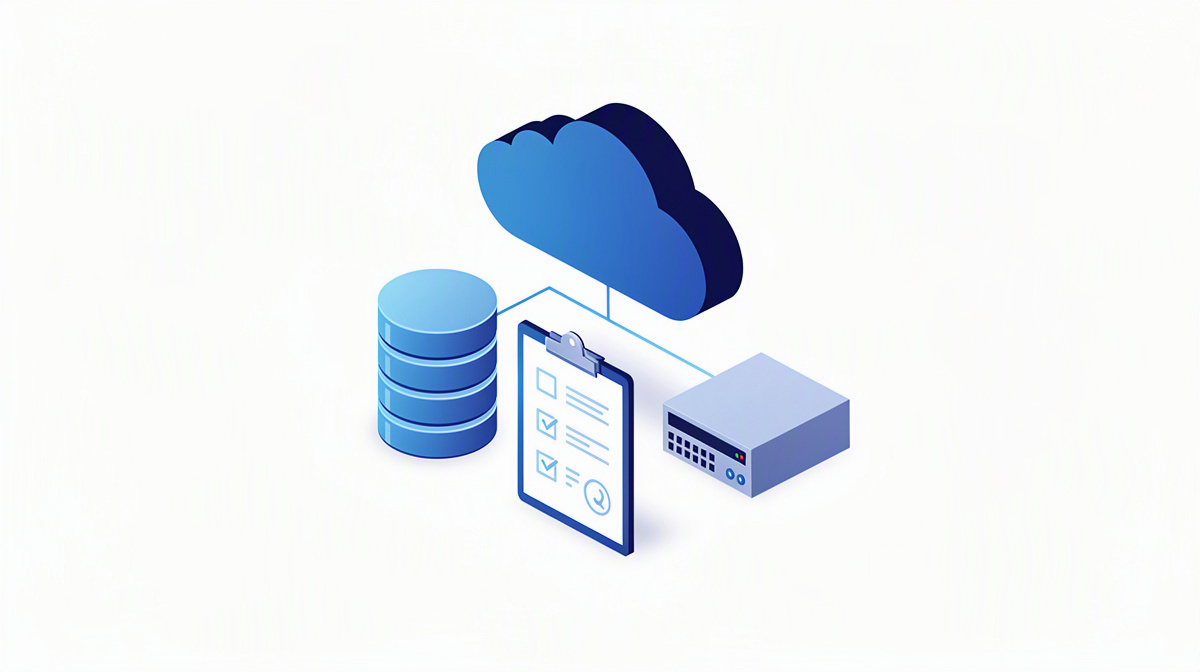
In practice, cloud infrastructure consists of several building blocks working together. The typical picture looks like this: users access an application running in the cloud via a browser or app. This application processes inputs, accesses databases and exchanges information with external systems.
Web applications and portals run in the browser. They are suitable, for example, for internal processes, customer portals or specialist administrative procedures. Apps for end devices complement such solutions when mobile use, camera, location or near-offline processes are important. You can find an overview of app, web and database development as well as operations here.
Databases store structured information so that it can be searched, changed and analysed reliably. Then there are interfaces through which other systems are connected, such as specialist procedures, CRM systems or Microsoft environments.
A container packages an application so that it can be run in a controlled and reproducible way. In Azure, the Microsoft cloud, different services can be combined for this, for example Front Door for distributing access, Key Vault for securely storing sensitive credentials and Container Apps for running applications. If you would like to place Azure in context against other approaches, the article Putting Azure in context against other approaches will help.
Entra ID can be used for sign-in and permissions. The service controls who signs in and what people or systems are allowed to access.
CI/CD means that changes to the software are checked and deployed in a structured way, making releases easier to trace. If you would like to assess your own project, you can get a rough cost estimate, have a project profile created, request a no-obligation initial consultation or look at examples from projects.
When cloud infrastructure makes sense for businesses
Cloud infrastructure often makes sense when existing technology is holding operations back or new requirements arise. Typical triggers are:
- old servers or applications need to be replaced
- a new digital offering is to be created
- several sites, departments or external partners need to work together more easily
For decision-makers, the main advantage is that resources can be adapted to actual usage. Instead of planning hardware rigidly years in advance, the environment can be aligned much more closely with demand and the growth of the application.
Another benefit is location-independent use. Teams, service providers and departments can work together through controlled access, without everyone involved having to be on the same network.
Integrations also often speak in favour of a cloud solution. Modern applications can often be connected more easily with other systems, data sources or Microsoft environments. This is particularly relevant for bespoke software when standard software does not adequately cover the business requirements.
One practical example is a web platform for local authorities where sewer networks, conditions and planned measures are brought together in one place. That way, information does not have to be maintained across separate files and isolated solutions.
AI functions can be an additional building block, but they are not essential. In the Microsoft cloud, Azure OpenAI can be used, for example, to search company knowledge, power assistants or extract information from documents.
It is also important to note: not every application has to be rebuilt from scratch. In many cases, gradual modernisation makes more sense.
What to watch out for in security, operations and responsibility
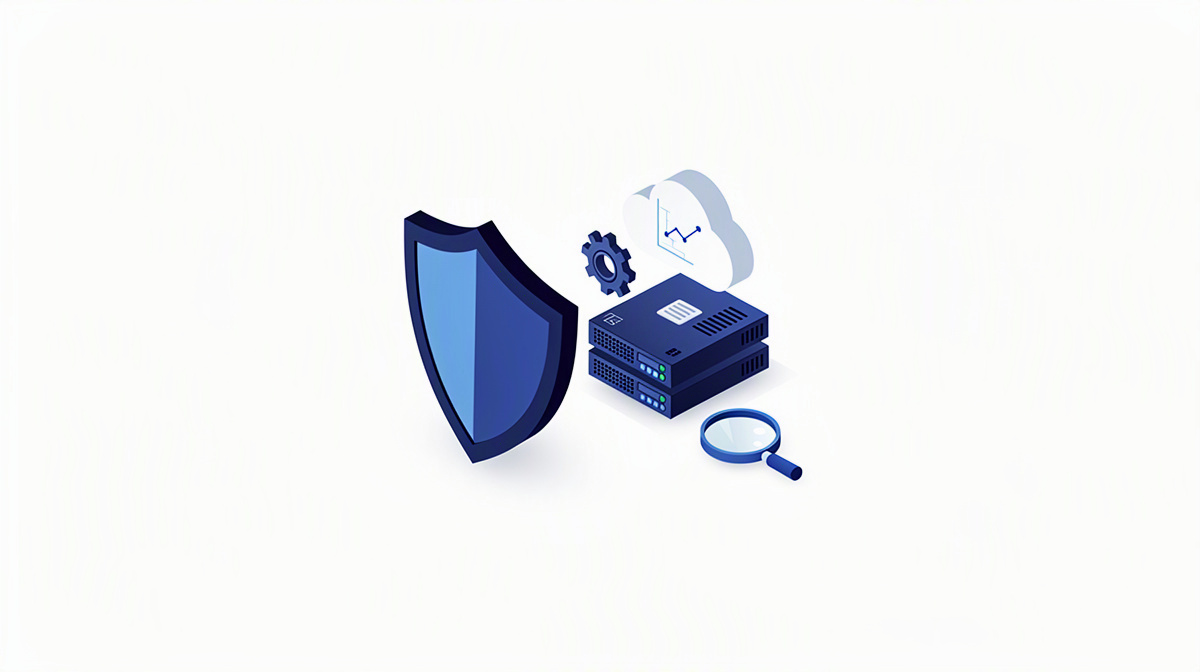
Cloud infrastructure does not remove responsibility from businesses. Even if infrastructure is used as a service, you remain responsible for your application, its content, permissions and the associated processes.
Clear access rights are particularly important. Before going live, it should be defined:
- who is allowed to see information
- who is allowed to change data
- who is allowed to approve releases
- which external people or systems are granted access
Backups and recovery are equally important. Decision-makers should clarify early on how data will be backed up, how long backups will remain available and what restart in the event of disruption is supposed to look like.
Monitoring means observing ongoing operations so that disruptions and anomalies can be detected. Logging complements this: important events are documented so that processes can be traced afterwards.
Data protection and legal requirements should be considered right from the start. However, whether the specific requirements are met in a given case should be checked by data protection officers or legal advisers.
Responsibility also does not end once the system goes live. Updates, monitoring, responding to incidents and developing the application further are all part of ongoing operations. If you do not want to cover this internally yourself, you should define the operating model properly in advance, for example with regard to hosting and operations.
How to prepare a sound decision
For a sound decision, you should start by clarifying the goals, not the list of technologies. The key questions are: which processes are to be supported? Which existing systems need to be connected? Which user groups will use the application?
The next step is to take stock. What matters is which applications, data, interfaces and dependencies already exist. This shows what should be retained, modernised or rethought from scratch.
Prioritisation is just as important. Not everything has to be implemented at launch. It makes sense to distinguish between what is required for the first version and what can follow in a later expansion stage.
A clearly structured approach has proved effective for implementation:
- Initial meeting covering requirements, expectations and a rough idea of the effort involved
- Concept and design with cost estimate
- Development with regular coordination
- Quality assurance and go-live
- Support and further development
At ballmüller solutions, planning and development are carried out by the company’s own developers and designers in Germany. Since 2022, the company has worked according to Clean Code Development, because sustainably built software is intended to create long-term value.
For decision-makers, it is also helpful to get an early feel for the rough cost range, for example via the cost calculator or a project check.
Frequently asked questions about cloud infrastructure
What is the difference between cloud infrastructure and a server in the cloud?
A server in the cloud is usually only a single building block. Cloud infrastructure means the entire environment needed to run an application.
This includes, for example:
- the application itself
- data storage and databases
- access and permissions
- security, monitoring and recovery
- connections to other systems
The distinction matters for decision-makers because an application rarely depends on just one machine. It is only the interplay of these building blocks that makes operations sustainable.
Is cloud infrastructure only worthwhile for large companies?
No. Small and medium-sized businesses can benefit as well, if they want to replace their own servers or build a new application. The decisive factor is not the size of the company, but how well the solution fits the processes, users and future development.
Cloud operations can make particular sense for distributed teams, multiple sites or growing requirements.
Can I move existing applications and data to the cloud step by step?
In many cases, yes. Not every application has to be completely replaced straight away. It is often more sensible to modernise individual parts first, structure data or rebuild interfaces.
A step-by-step approach can help to:
- assess risks more effectively
- cause less disruption to ongoing processes
- set priorities clearly
A proper review of the current situation is important so that dependencies and legacy issues become visible at an early stage.
What role do databases, interfaces and user sign-in play in cloud infrastructure?
These three topics are among the basics.
Databases store structured information for the application. Interfaces allow other systems to exchange data. User sign-in determines who can access which content and functions.
If any one of these building blocks remains unclear, problems often arise later in operations, reporting or approvals.
What should I clarify internally before replacing my own servers?
Before making a decision, you should align internally on the following points in particular:
- Which application or process is affected?
- Which data needs to be migrated?
- Which systems will remain connected?
- Who needs access?
- Who is responsible for operations, changes and support?
- Which business requirements take priority at launch?
In addition, data protection and legal requirements should be identified early and checked in the specific case by data protection officers or legal advisers.
Understanding cloud infrastructure clearly and implementing it appropriately
Cloud infrastructure is not a single product. It means the planned interaction of operations, application, data, security and further development.
For your decision, it is therefore not only the technology that matters. More important are questions such as:
- Which business process is to be supported?
- Who carries which responsibility?
- How easily can the solution be expanded later?
ballmüller solutions from Berlin has been developing bespoke software with Microsoft .NET, databases, interfaces and operations in Azure for over ten years.
If you would like to assess a project, you can request a no-obligation initial consultation via Microsoft Teams. You will also find an overview of the services on the website.