


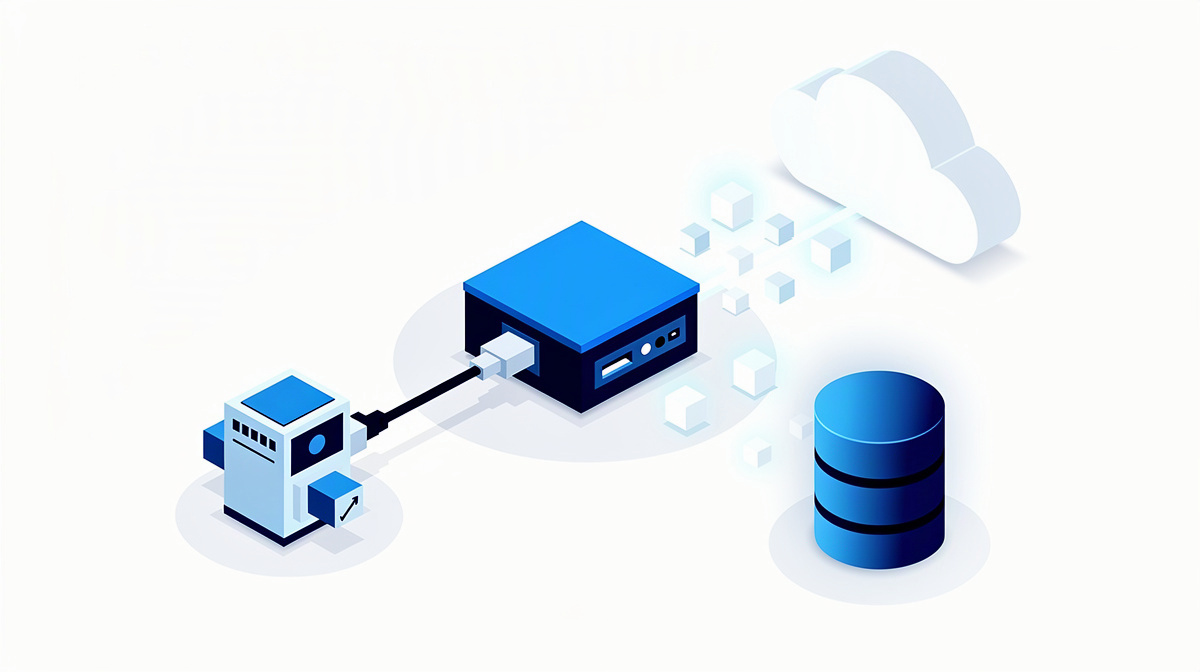
A serial interface transfers data one item at a time in a fixed sequence between two devices or systems. In a business context, it is particularly relevant where information is still being read manually, maintained twice or transferred by hand, and a clearly defined handover point is to be automated.
It is therefore not a catch-all term for every kind of integration, but a specific form of data exchange. For decision-makers, the key question is whether this exact narrow transfer path solves the real problem or merely improves a single step.
This article covers:
- what is meant by a serial interface in business terms
- what it is suitable for
- where other types of integration are a better fit
If this assessment leads to a larger project, you will find the typical building blocks for bespoke software, hosting and operations under ballmüller solutions services. ballmüller solutions is a software service provider based in Berlin and has specialised in bespoke software with Microsoft .NET for more than ten years.
What “serial interface” means in a business context
“Serial” simply means that information is transferred one item after another rather than simultaneously. An interface is the defined point at which two devices or software systems exchange data.
In businesses, this usually refers to two different things:
- the classic hardware interface, for example on machines, measuring devices or older specialist equipment
- a step-by-step exchange of data between applications, in which individual pieces of information are handed over in a fixed sequence
This distinction matters when making project decisions. The focus is rarely on the connector or technical protocol first, but on the business question: which data should be transferred, at what point in time, to what extent and with what level of reliability?
Typical starting points are established system landscapes with legacy devices, specialist procedures without a modern connection, or media discontinuities between office software and operational systems. In such cases, a serial interface is often seen as an obvious solution because it can represent a clearly limited transfer step.
However, the distinction is important: a serial interface is not automatically a fully automated system integration. It often solves only one part of the overall process. If requirements, data flows and acceptance criteria are still unclear, a structured requirements specification template is often enough to describe the actual need properly.
When a serial interface makes sense
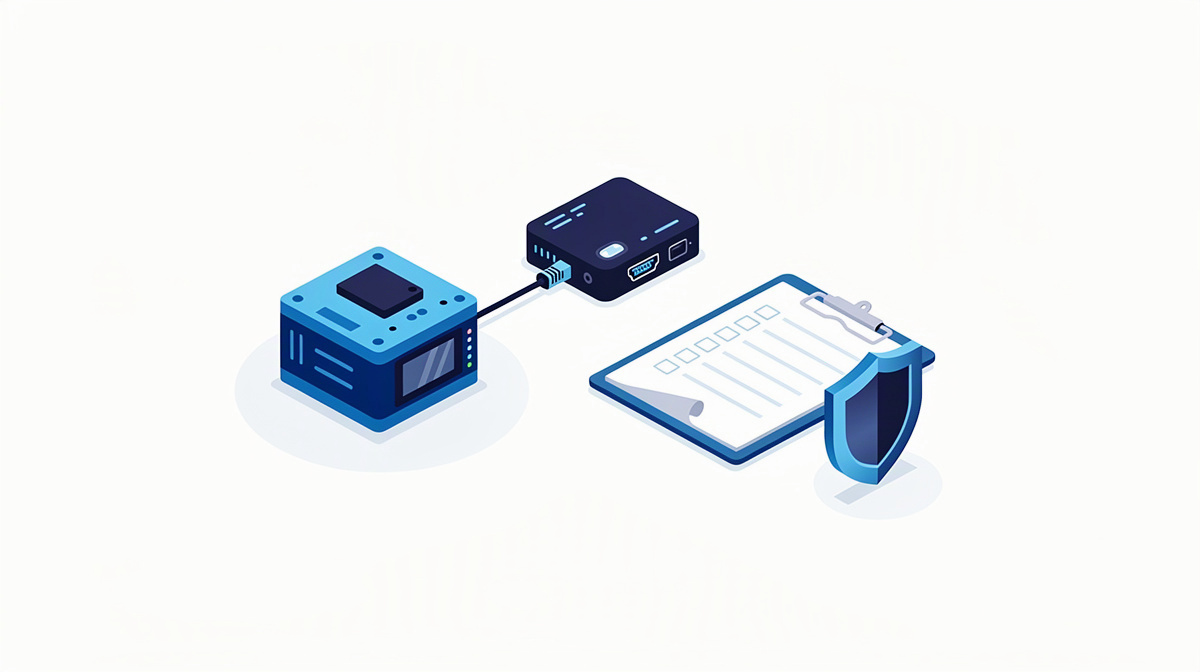
A serial interface is particularly useful when a single device or a clearly defined third-party system provides or receives data in a fixed sequence. This is especially well suited to stable, simple processes where no extensive business logic is needed between many parties.
Typical examples are:
- status values from a device
- measurement data from a running process
- approvals with clearly defined handover points
- individual, neatly structured data records
The advantage lies in its simplicity. The data exchange remains limited to a specific purpose and can therefore often be described, checked and introduced more easily from a business perspective.
This can be particularly helpful in long-established environments. Existing technology does not then have to be replaced in full straight away. Instead of changing an entire set of devices or several processes at once, a serial connection can be a sensible interim step if a larger platform change is not yet planned or is currently not possible.
In practice, this becomes relevant, for example, where staff read data from a device, transfer it into Excel and then type it into a specialist system. Even a narrow interface can bring clear organisational benefits here.
Anyone looking to turn this into a complete project will find typical building blocks for app, web and database development, as well as the technical framework for hosting and operations, under have software developed.
Where the limits are: distinguishing it from modern system interfaces
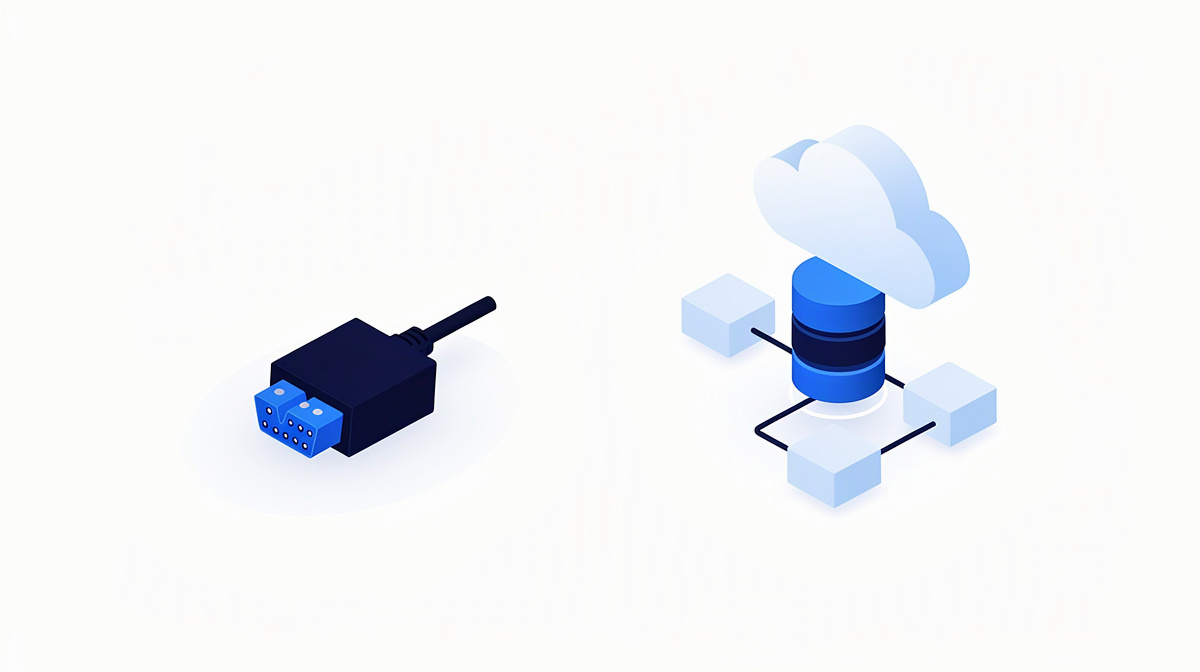
This is precisely the classification that is often missing from search results: not every integration task should be solved with a serial interface. It makes sense for clearly limited handovers. As soon as a process becomes broader in business terms, it is worth comparing it with other types of integration.
An API is a defined programming interface through which applications provide functions and data in a structured way. For modern software landscapes, it is often more flexible than a purely sequential data transfer because it can respond more precisely to different processes.
File imports and exports serve a different purpose. They are better suited to periodic handovers of entire data sets than to ongoing one-to-one communication between systems.
Direct database connections can also seem like an obvious choice at first. In the short term, they may appear to save effort, but in practice they often increase dependencies and make later changes more difficult.
If several roles need to work with the same information, a central application is often more useful than many small transfer paths. In that case, a portal or web application can be more sustainable because all parties access a shared data set.
For decision-makers, one criterion matters above all: the more business logic, user roles, checking steps and extensions a process involves, the less likely it is that a serial interface alone will be sufficient. Otherwise, this quickly leads to:
- duplicate maintenance
- unclear data ownership
- lack of traceability
- growing maintenance effort
From the practical experience of ballmüller solutions, an extension between Azure DevOps and planning software shows that integrations in everyday business often need not only to transfer data, but also to connect business processes between systems.
How an interface idea becomes a viable project
An interface idea usually becomes a solid project in five steps: clarifying requirements and expectations, developing a concept and design with a cost estimate, implementation with regular coordination, followed by quality assurance and go-live, and then support and further development.
For decision-makers, the preparation work is particularly important. With interfaces in particular, misunderstandings otherwise often only become apparent during live operation, when data is missing, sequences do not fit or responsibilities remain unclear.
Automated tests and controlled deployment steps help with technical quality. This makes it possible to deliver changes in a traceable and repeatable way. ballmüller solutions develops bespoke software with current .NET, SQL databases, Microsoft Azure, Microsoft 365 and Entra ID, as well as automated tests and CI/CD in Azure DevOps.
For the next step, you can use the cost calculator to get a rough cost range or have a project profile created from your description via the project check.
Frequently asked questions about serial interfaces
How can you tell whether a serial interface is sufficient from a business point of view?
What matters is not the label, but the scope of the task. If the handover fits a clearly defined point in the process, a serial interface may be enough. As soon as several checks, approvals or downstream actions are added, the solution should be considered more broadly. For an initial assessment, contact us for a no-obligation introductory meeting.
What should be clarified in writing before the start?
At the beginning, the main focus is on requirements, priorities and acceptance criteria. This turns a vague idea into a project that remains discussable in business terms. It is useful to record, for example:
- which information is to be handed over
- what triggers the handover
- what should happen in the event of deviations
- how the business side will sign off the solution
For this early clarification, the requirements specification template is often helpful. When the solution concept, implementation and test cases are being worked out, the functional specification template is the right fit.
Why is testing worthwhile even for small connections?
Precisely because narrow handovers look manageable, they are often sensitive in day-to-day use. If a value is missing or a sequence changes, this often only becomes noticeable later. Tests check whether normal cases and exceptions are handled clearly. A compact overview is provided in the article on software testing in projects.
What matters if the interface is to run in the cloud later on?
In that case, operation, monitoring and changes need to be included in the planning alongside the transfer itself. So what matters is not only whether data arrives, but also how ongoing use is organised. The overview of cloud infrastructure on Microsoft Azure is relevant here.
How do you deal with an existing problematic connection?
The sensible first step is to gain clarity about the structure, dependencies and risks. For this, technical documentation and an external code review can help.
When does data transfer become genuine process automation?
When further steps are triggered automatically after the handover. An example of this is shown in the article on direct billing in hospitals. If you would like to discuss your situation, you can also book an appointment online via Microsoft Teams.
Conclusion: the right interface is above all a business decision
For choosing the right approach, the term “serial interface” matters less than the question of which handover point in day-to-day work should actually be made simpler.
A short check against the following questions helps:
- What should run without duplicate maintenance?
- Where does the handover end and where does business logic begin?
- Which solution will remain understandable even when changes are made?
If you are planning, replacing or extending software, you can discuss the project with ballmüller solutions in Berlin. Guidance is available from reference projects and client testimonials.
